You Have an iPhone. Here's Why You Still Want a TagAlong.
Apple's NameDrop is a genuinely impressive feature. But there are real situations where it won't help you. Here's what TagAlong covers that NameDrop can't.
Apple's NameDrop is one of those features you demo once and immediately text your friends about. You hold two iPhones close together, both screens light up, and you each choose what to share. It's genuinely impressive. Feels like the future.
So why would someone who already has that built into their phone need a TagAlong?
Because NameDrop solves one specific version of the networking problem, and real networking is messier than that.
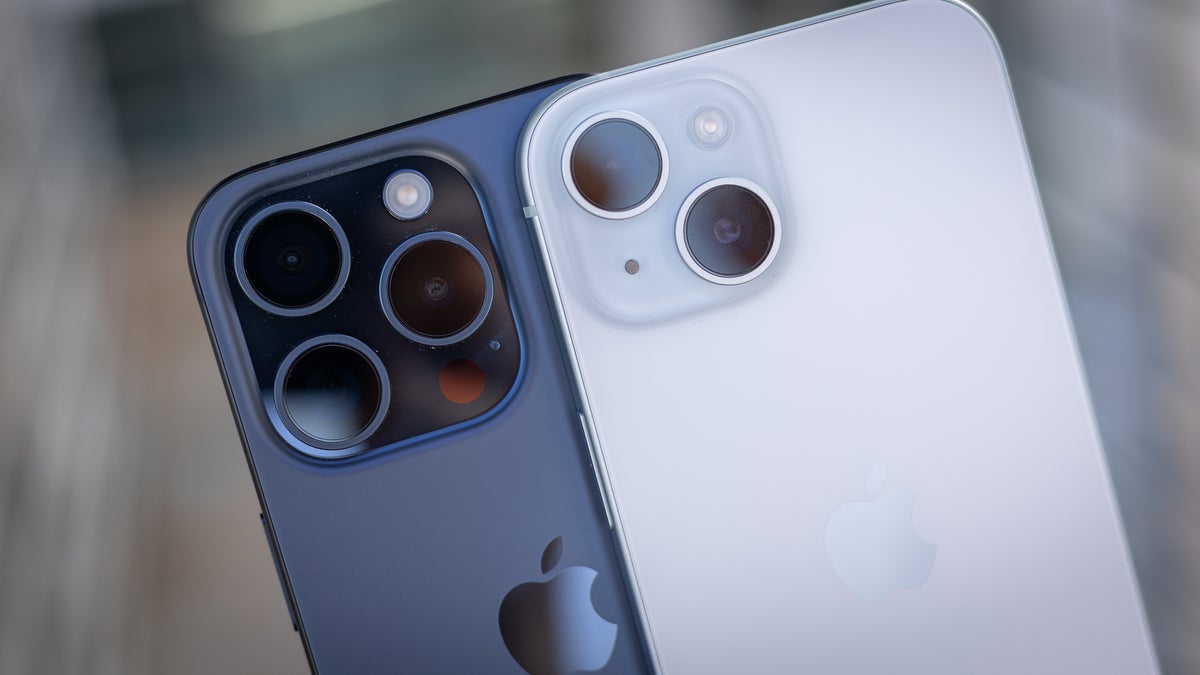
Half the Room Might Be on Android
NameDrop only works iPhone to iPhone, both running iOS 17 or later.
In Nigeria, Android makes up a significant share of the smartphone market. At any event, conference, or casual meeting, there's a real chance the person you want to connect with is holding a Samsung, a Tecno, an Infinix, or an Itel.
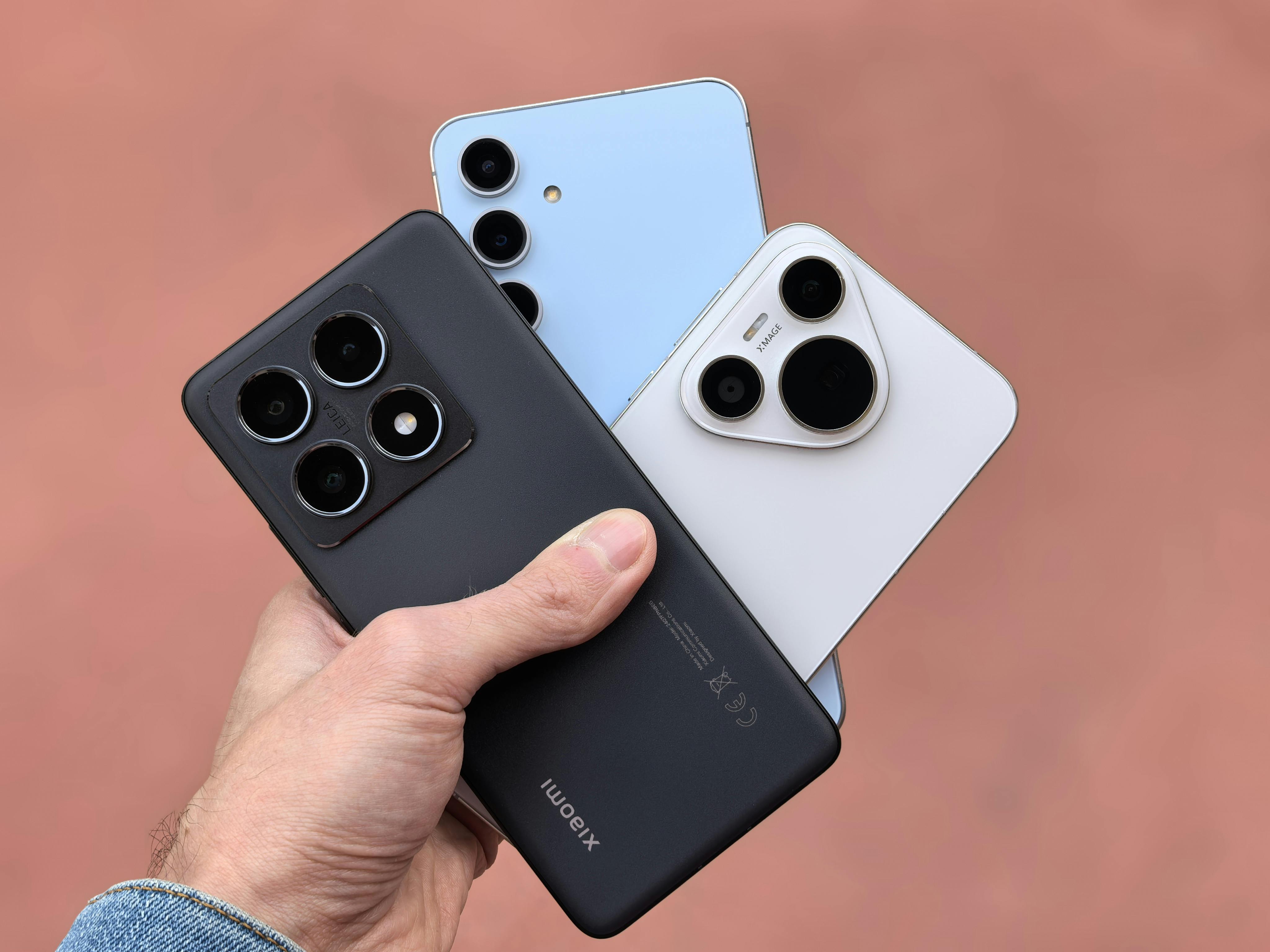
NameDrop simply does not work in that situation. You're back to typing out your number manually, screenshotting a contact, or hoping they remember to search for you later.
TagAlong works on every smartphone: every iPhone, every Android, every phone with a browser. One tap or scan, and your profile opens. No OS requirement. No version check. No compatibility issue.
TagAlong also works without NFC at all. The QR code on every device lets anyone with a camera scan your profile, including older phones and budget devices with no NFC chip.
NameDrop Requires Both Phones Out, Both Screens On
Think about the situations where you actually share contact info.
You're at a conference and someone walks up to your booth. You're in a meeting and the conversation ends with "let me get your card." You're at a market and a supplier asks for your details. You're at a party and someone wants your Instagram.
In most of these moments, the other person isn't ready to hold their phone near yours. NameDrop is a deliberate, coordinated action between two people who are both prepared for it.
A TagAlong card changes this completely. You hand it over, they tap it with their own phone, your profile opens. Or you slide it across a table and they pick it up. Or it's sitting in a card holder at your desk and a visitor picks it up and taps it themselves. The card does the work. You don't have to be standing there managing the exchange.
TagAlong devices work when your phone is in your bag, on silent, or charging across the room. As long as the card is with you, it works.
NameDrop Only Shares Contacts
When you NameDrop with someone, they get: a contact card. Name, number, email. The same thing a business card from 1995 would have given them.
That's it. There's no way to share your Instagram, your portfolio, your booking link, your price list, your YouTube channel, your WhatsApp, your Behance, or your menu.
TagAlong gives the person who taps your card your full profile. You control what's on it. Most people include:
- Contact info with a direct save-to-contacts button
- Their social media (Instagram, LinkedIn, TikTok, Twitter/X, Facebook)
- Portfolio and website links
- Payment links (for creatives, freelancers, vendors)
- Booking links (Calendly, Cal.com)
- WhatsApp direct contact
- Files (price lists, menus, CVs, lookbooks)
Your TagAlong profile is your professional presence. A NameDrop is a phone number.
You Can't Measure a NameDrop
Did the person you exchanged contacts with actually look at your details? Did they save your number? Where were most of your contacts coming from at that event?
NameDrop doesn't tell you anything. The exchange happens and then it's over.
TagAlong's analytics dashboard tracks every interaction:
- How many times your card was tapped or scanned
- NFC taps vs QR scans
- What device and browser the person used
- The city and country they were in
- When exactly it happened
Over time, this tells you which events are actually producing connections, which of your profiles people engage with most, and whether a particular campaign is working.
TagAlong also captures leads. If someone taps your card and fills in the lead capture form, you get their name, email, phone, and a message, saved directly to your dashboard and exportable as a CSV.
TagFlex: Switch What You Share Without Touching the Card
NameDrop always shares the same contact card. Your phone contacts are your phone contacts.
TagAlong's TagFlex feature lets you instantly switch what your card points to from your dashboard. Without touching the physical card itself:
- Today it points to your personal contact card
- Tomorrow it points to your freelance portfolio
- Next week it points to a PDF price list for a specific client
- During Ramadan it points to your special event page
One card. As many versions of you as you need. Any phone, any time.
The Side-by-Side
| NameDrop | TagAlong | |
|---|---|---|
| Works on Android | No | Yes |
| Works on older iPhones | iOS 17+ only | Yes |
| Works without your phone | No | Yes |
| Requires both phones present | Yes | No |
| Shares social media | No | Yes |
| Shares portfolio / files / links | No | Yes |
| Analytics on who viewed you | No | Yes |
| Lead capture (get their details) | No | Yes |
| Switch destinations without new card | No | Yes (TagFlex) |
| Works at a booth / desk unattended | No | Yes |
| Physical form factor options | None | Card or KeyTag |
Want to try this for yourself?
TagAlong smart cards make it effortless.
They're Not the Same Problem
NameDrop is an Apple-to-Apple contact sync. It's useful, it's seamless, and for one specific scenario (two iPhone users deliberately exchanging contacts), it's excellent.
TagAlong is a networking device. It handles the full range of situations: mixed Android/iPhone groups, passive sharing (card at a table, left at a booth), rich profile sharing, lead collection, analytics, and flexible link switching.
If everyone you ever need to network with is on iOS 17+ and always has their phone ready, NameDrop will serve you well in those moments.
For everyone else, for every other situation, your TagAlong handles it.
Ready to upgrade your networking?
Get your TagAlong smart NFC card and start making lasting impressions.
Get Your TagAlong
TagAlong Team
Product & Content
The team behind TagAlong Connect — building the future of networking in Nigeria and beyond.
Related Posts
Digital Business Card Apps vs Physical NFC Devices: Which Is Better?
Comparing digital business card apps (HiHello, Popl, Blinq) with physical NFC smart devices like TagAlong. Which option actually works better for networking?
Are Smart NFC Devices Worth It? An Honest Breakdown
Wondering if an NFC smart device like TagAlong is worth the investment? Here's an honest look at the costs, benefits, and who gets the most value from them.
Best Digital Business Card Solutions in Nigeria (2026 Guide)
Comparing the best digital business card options available in Nigeria, including apps, NFC devices, and smart solutions. Find the right fit for Nigerian professionals.